
新拟态 button
课程链接 https://www.bilibili.com/video/BV16o4y1b7Ws/


单个解析
html
<div class="neumorphism-root">
  <div class="neumorphism-button">
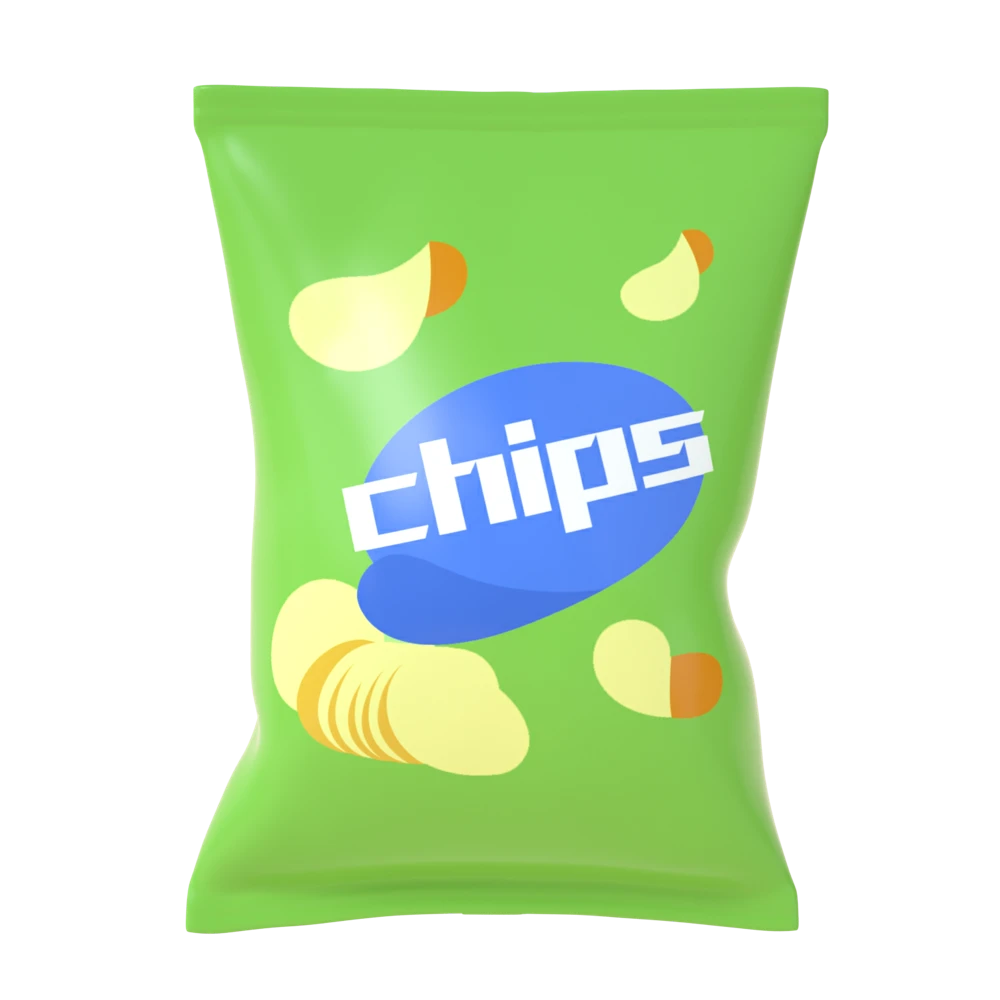
    <img src="./chips.webp" />
  </div>
</div>最外层 bg
css
.neumorphism-root {
  width: 200px;
  height: 200px;
  display: flex;
  justify-content: center;
  align-items: center;
  background-color: #efeeee;
}按钮的结构是 div > img
div 提供外部形状,核心都在这里
css
.neumorphism-button {
  width: 100px;
  height: 100px;
  display: flex;
  justify-content: center;
  align-items: center;
  border-radius: 20px;
  box-shadow: 18px 18px 30px rgba(0, 0, 0, 0.2), -18px -18px 30px rgba(255, 255, 255, 1); /* 核心 */
  transition: all 0.2s ease-in-out; /* 动画在这里 */
}

.neumorphism-button:hover {
  cursor: pointer;
  box-shadow: 0 0 0 rgba(0, 0, 0, 0.2), 0 0 0 rgba(255, 255, 255, 0.8),
    inset 18px 18px 30px rgba(0, 0, 0, 0.1), inset -18px -18px 30px rgba(255, 255, 255, 1); /* 核心 */
}img 只是提供按钮
css
img {
  width: 60px;
}

.img-item-230426:hover img {
  width: 58px;
}